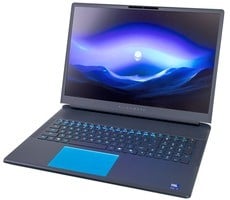
GeekBook X14 Pro Review: Geekom’s First Featherweight Alloy Laptop


The GeekBook 14X Pro features a single active fan with dual-heatpipe cooling system. The fan pulls air through a perforated vent along the width of the bottom cover. Hot air is then vented out the back of the system, via cutouts on the rear and left side.
Geekom GeekBook 14X Pro Thermals And Acoustics
The path of the heated air is highly evident in the thermal imagery below. The thermal images suggest that the venting would be more effective if it was a bit wider, as surface temps were the highest to the rear/right of the keyboard deck. In that area, we saw surface temperatures rise beyond 50°C (122°F).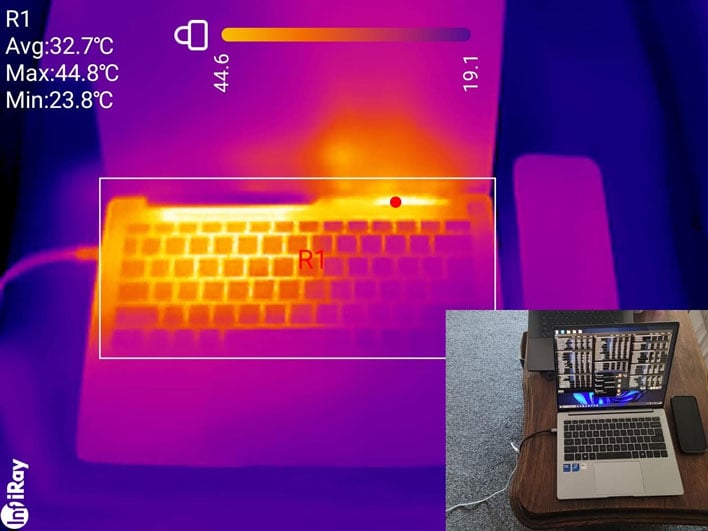
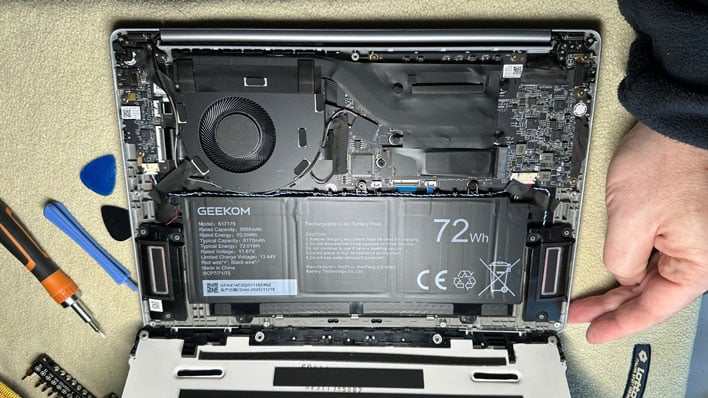
The noise profile of the GeekBook X14 was also quite pleasant. Most of the time it was virtually silent. Even when the fans span up during testing it wasn't bothersome. The maximum 43dB reading, measured from about half an arm's length to the keyboard deck was perfectly tolerable, and usually the fans would only stay at this peak momentarily. Most of the time, under heavy load, the noise level would be more like 40 to 42dB.
Geekom GeekBook X14 Pro Battery Life
Battery life is crucial for most laptop users. In the case of the GeekBook X14 Pro, Geekom claims the machine can run for up to 16 hours between charges. As you can see from our chart, the actual battery runtime in our standard video rundown test was only about 10 hours.Here we've calibrated the laptop displays to a fixed brightness, in an effort to minimize that aspect of power draw, though lots of other variables come into play, like battery capacity.
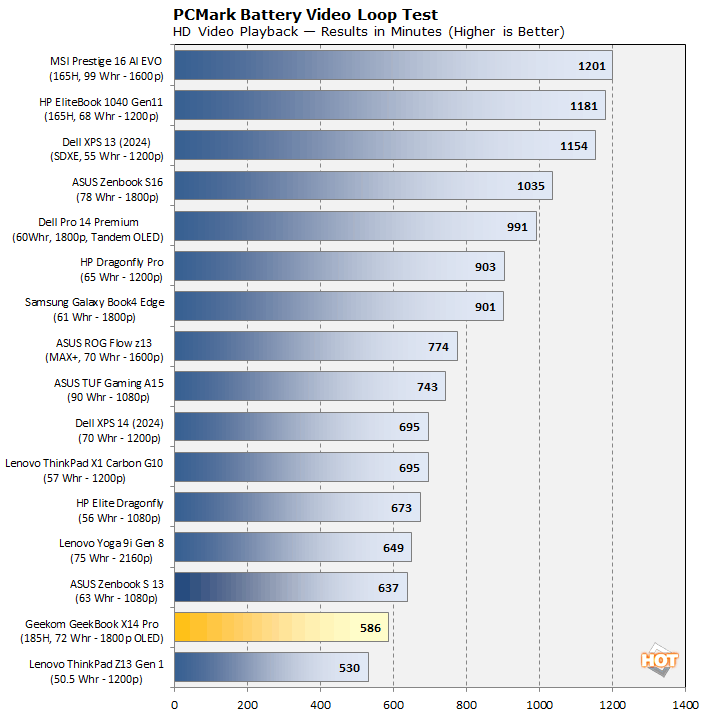
The Geekom marketing claims and the X14 Pro's actual battery life are starkly different. We suspect that, unlike in our test, the X14 Pro was put in airplane mode (tuning off the Wi-Fi and Bluetooth), and perhaps ran a less demanding task, and included some idle time. They may have used a lower screen brightness too. We try to test with settings that the average person would use when on the road.
We should also mention that this is another disadvantage of Meteor Lake versus newer Intel mobile architectures. Lunar Lake did a lot to boost battery efficiency, and early tests show Panther Lake continues the trend.
Geekom GeekBook X14 Pro Conclusion
The GeekBook 14X Pro is a great first laptop effort from Geekom. It packs a high-quality display in a thin and light magnesium alloy unibody clamshell. Geekom also appoints the system well with 32GB of LPDDR5-7466 RAM and a 2TB PCIe Gen4 NVMe SSD. All told, the display, build, and components are all solid. Aspects of the design like the keyboard, single-finger-lift hinge, and cooling are also laudable. The included dock was a nice touch too.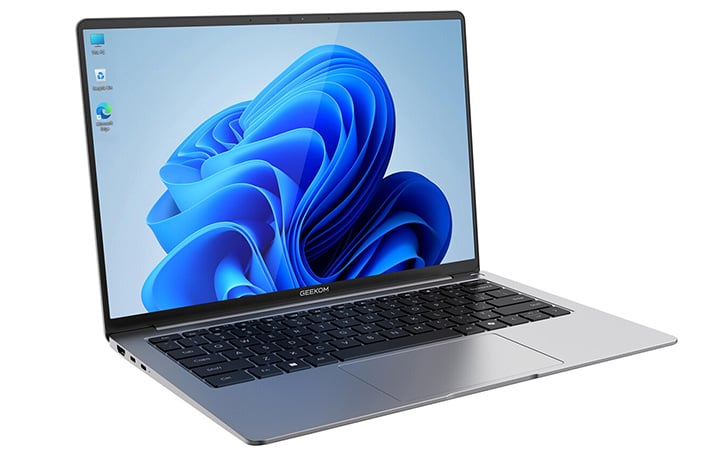
Without an established track record in the laptop market, Geekom will be closely scrutinized and pricing will be a key consideration. The configuration tested is on sale right now for $1,186 on Amazon.com and the official Geekom outlet. You can knock and additional 10% off on Amazon and Geekom official orders as well, with the promo code HOTHX14PRO (expires: March 5, 2026). That makes the configuration we tested less than $1,100, which is very compelling for a sleek, thin-and-light system with a 120Hz OLED display, 32GB of RAM and a 2TB SSD.