



Windows 11 Update Failing At 35%? Microsoft Releases Fix For Error 0x800f0922


Fortunately, it's a known issue, and for users who have already installed the May 26th KB5089573 optional update, it should already be patched. The mitigation was also applied through Known Issue Rollback (KIR), and some users may be able to simply restart their devices to apply the fix.
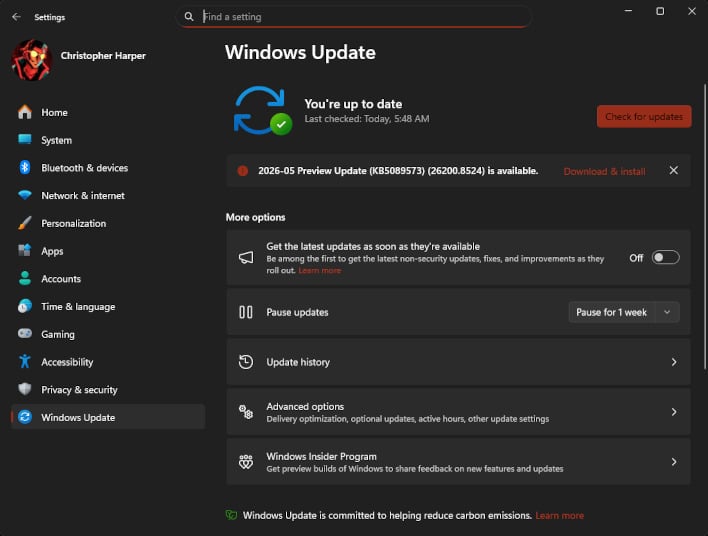
But for those facing the issue who can't update their system at all, the problem lies with Windows' EFI System Partition, which is used to help apply updates.
The fix for Error Code 0x800f0922 is to extend your EFI Partition. Below are the official instructions:
- Open the Command Prompt as Administrator
- Run the following command:
reg add "HKLM\SYSTEM\CurrentControlSet\Control\Bfsvc" /v EspPaddingPercent /t REG_DWORD /d 0 /f
- Restart your PC, and retry the update.
If you're experiencing this update issue, we do recommend applying the workaround, though. Without the latest security updates, Windows 11 is open to several major exploits released in the past month. You'll also be missing out on all the new features and optimizations brought to Windows 11 lately, though the most interesting ones are limited to Windows Insiders for now.
For Windows users that may have skipped the May 26 KB5089573 optional update, future major Windows 11 updates will have this fix built-in, hopefully mitigating the need to apply it manually.




