



Microsoft Revamps Windows Update for a Better, More Controllable Experience


First and foremost among the four ways Microsoft is improving WIndows Update is the ability to shut down and restart without performing queued updates. If you've ever been trying to shut down your laptop in a hurry and dreaded seeing "Shut down" replaced with the dreaded "Update and shut down" option, you'll know how valuable this is. It was already possible to force the display of both options using tools like WinAero Tweaker, but now you don't have to do that.

Another welcome change is the ability to pause updates continuously. It's a clumsy implementation; instead of saying "pause updates for 120 days" or "pause updates indefinitely," you can still only pause for 35 days at a time, but now you can immediately re-pause for another 35 days. This feels like a tacit admission that most people don't care about system updates and would rather just turn them off, but it is true that Windows updates can resolve critical security issues, so maybe the company feels giving users an honest "go away" option would be too irresponsible.

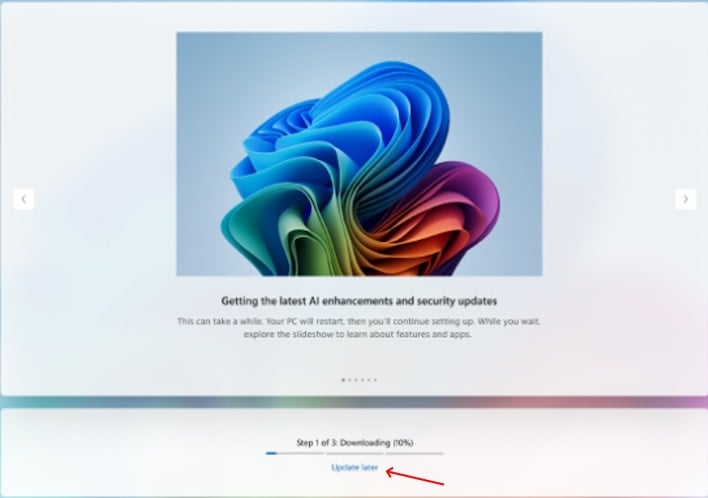
In a change that is welcome for reviewers like me, you are no longer forced to search for and install the latest system updates as part of the Out of Box Experience (OOBE). This probably won't matter to 99.9% of users, but it's a welcome change when you're constantly opening new machines or doing fresh Windows installs. Of course, you could always skip this step by simply leaving the network connection unplugged, which you were probably doing anyway to skip the Microsoft Account requirement, but it's good to see Microsoft thinking about this kind of thing anyway. To be cynical, this could also be a tacit admission that updates break things as often as not these days, and having your new PC broken 'out of the box' is not a great experience for Windows users.
Finally, the last rework is actually already done, and that's that Microsoft has started adding the device class to the driver title when drivers are served through Windows Update. That will help you tell what part of your PC the updates actually apply to, which is very useful when troubleshooting after Windows elects to install a completely unnecessary Wi-Fi driver update and now your Wi-Fi adapter doesn't even appear in Device Manager anymore.
Separately (since this happens on Microsoft's end, not your WIndows PC), Microsoft is "unifying the update experience to reduce the number of reboots you see every month." The firm is accomplishing this by coordinating updates to specifically align with the monthly rollup, meaning you should only need to restart your PC for updates once a month. Of course, that depends on how many times you have to restart to install emergency out-of-band updates to fix problems caused by the previous update, but I'm being unkind. Microsoft does seem to have a legitimate goal of fixing the Windows Update experience, and I have nothing but praise for that endeavor.





