



Xbox Cloud Gaming Gets A Full Web Overhaul, How To Try It Out Now


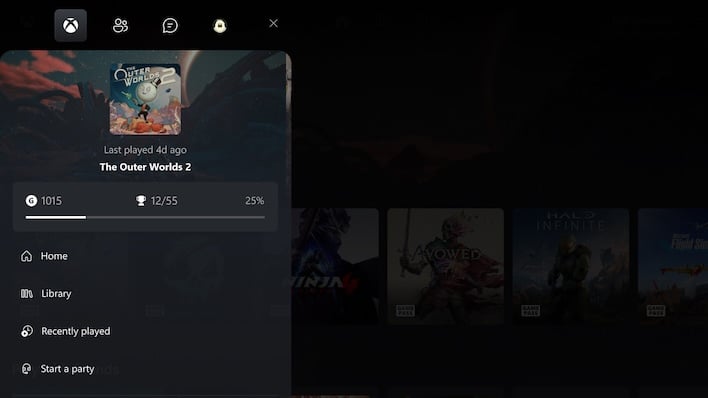
The new user interface will look immediately familiar to anyone who has used an Xbox console or the refreshed Xbox PC app. It has a tile-based design that displays a game’s box art, making it easy for users to find the title they want to play and jump right in. Meanwhile, the background showcases game-based artwork that allows the game’s personality to shine through. It's a clean design that can be easily navigated using a mouse or a controller.
It’s a smart move by Microsoft to bring the web interface in line with what users see on its console and the PC app. Having a unified experience means that users will know exactly how things work regardless of how they opt to access the Xbox ecosystem.
To access this new experience users can fire up a compatible web browser and head on over to xbox.com/play. After logging in, visit “Settings,” click on “Account,” and ensure that the “Preview features” section is toggled on.
Once this is enabled the company says users will be provided with prompts and links that will take them to the new interface, although it’s important to note that users may need to wait up to 10 minutes after opting in for these prompts and links to appear. After that, Xbox Cloud Gaming can be accessed using the play.xbox.com url.
Assuming everything goes well during this preview period, the new interface will likely roll out to the rest of the user base sometime later this year alongside, or shortly before, the rumored ad-supported tier.





