



Microsoft Shifts Focus To Chromium Edge Browser Automatic Rollouts For Windows PCs


If you are a regular consumer that hasn't already manually installed Edge, and don’t have any plans to use the browser anytime soon, the update will eventually makes its way to you whether you like it or now [more on that later]. “You can wait for it to be installed in a future update to Windows 10, following our measured roll-out approach over the next several months,” said Microsoft in a blog post. “The new Microsoft Edge will gradually be made available on Windows Update and offered to additional devices as data and feedback indicate that users are having a good experience.”
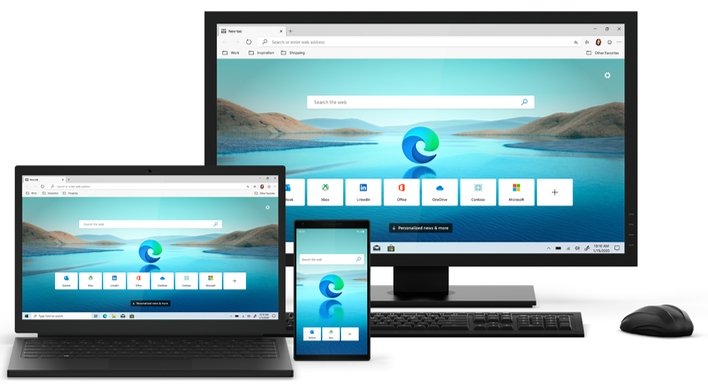
Microsoft also explains that if you’re using the older EdgeHTML-based version of Edge, all of your passwords, favorites, and settings will migrate over once you either manually or are automatically upgraded to the new Edge.
The new Chromium Edge was first released to consumers on January 15th for those that wanted to manually install it (for Windows and macOS). The company then followed up with a native Edge browser that works on Arm64-based devices like the Surface Pro X. Before that release, Arm64 devices had to run Edge through emulation, which reduced performance.
As we have previously mentioned, the new Chrome won’t be automatically installed for all customers. The company clarified in early January that it will not be pushing the browser for commercial/enterprise customers, as they will have “full control” over the rollout of Edge on their devices.
Microsoft does, however, offer an “out” for regular consumers running Windows 10 Home or Windows 10 Pro that don’t want to be hit with an automatic Edge install. You can download the Blocker Toolkit, which will keep the browser off your system.




