



Microsoft Is Retiring Old Printer Drivers: What Windows Users Should Know


Especially for budget conatrained users or smaller businesses, simply cutting support for perfectly-working hardware seems like a costly, heavy-handed approach to security from Microsoft, although printers have posed security risks in the past. Making updates like this optional would still alert users of the security risks, but allow them to asses for themselves when it needs to be fixed and what business-critical operations (like those tied to a modem, printer, fax machine, etc.) can still be run in the meantime. Updates like these also continue to exacerbate the issues of forced e-waste epitomized by the Windows 11 TPM and Secure Boot requirements.
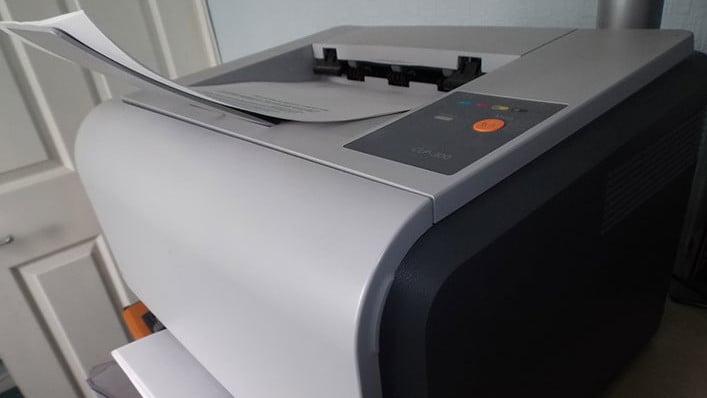
Microsoft officially advises users to contact printer manufacturers and "update to a supported printer driver or another current printing solution". Thanks to the age of the original deprecation announcement, printer manufacturers selling basic printers still reliant on the V3 and V4 driver models have had time to update, and a number of users report painless upgrades. Users of multi-function printers, however, have reported more issues, though, so your mileage may vary.
Hopefully, users impacted will understand why their devices are no longer working and are able to keep them up and running sooner rather than later—but in some extreme cases, postponing updates or using an older version of Windows may wind up being the only solution.




