



Microsoft Adds Sysmon Directly To Windows, Ending Years Of Standalone Installs


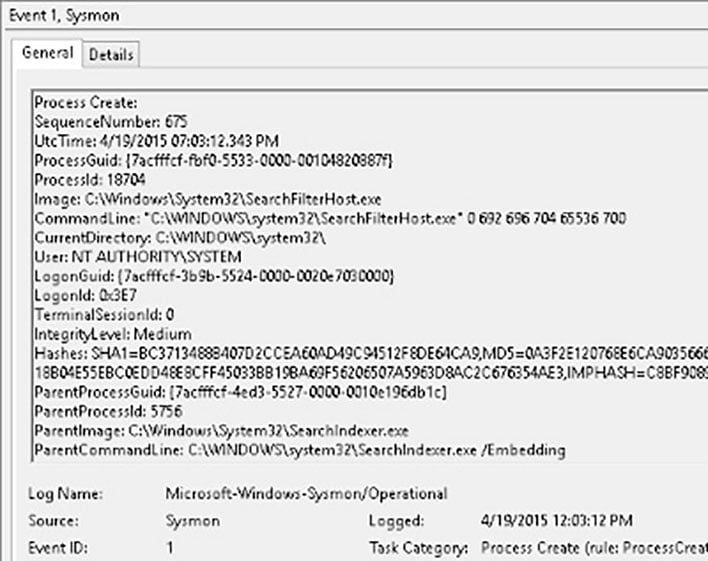
As one may expect, the reception behind this move has been largely positive, since it's a straightforward enhancement for cybersecurity and system management on Windows 11. No issues yet point toward this feature addition bricking PCs or causing problems with NVIDIA graphics drivers, and there's no AI-related backlash to be had. While no one explicitly asked for this feature addition, for users who do want it, it's arguably just better to have it as a piece of the operating system than another on a long list of applications to manually update and maintain. Microsoft has to be given its props here. Seeing as Sysmon has been around for 10+ years and its knowledge base was already hosted by Microsoft (and it's headed by Microsoft developer Mark Russinovich), its official integration was a long time coming and welcomed.
For readers who want to try OS-integrated Sysmon for themselves, keep in mind that the standalone version must first be uninstalled. After that, you can follow the instructions given in Microsoft's official blog post for standard or PowerShell/CMD install instructions. The official Sysmon documentation should also come in handy if you want to get a full grip of what Windows can do with Sysmon integration, though high-level technical knowledge will be required to make the most of the tool. Keep in mind that Sysmon is simply a monitor, so whatever suspicious activity you identify with it, you'll still need to manually clean or run through a Windows Defender, Malwarebytes, etc scan to remove.




