



Android Click-Fraud Trojan Hides In Games And Uses AI To Mimic Real User Behavior


A Google spokesperson reached out to us and provided the following statement on this story: “Based on our current detection, no apps containing this malware are found on Google Play. Android users are automatically protected against known versions of this malware by Google Play Protect, which is on by default on Android devices with Google Play Services. Google Play Protect can warn users or block apps known to exhibit malicious behavior, even when those apps come from sources outside of Play."
Original reporting follows:
A new wave of Android click-fraud trojans are in the wild, and they're surprisingly well-hidden. For those familiar with the Android operating system, it's common knowledge that users can enable downloads of third-party applications from outside of Google's Play Store ecosystem. When you do so, the OS warns users of the security implications, but many users don't heed those warnings. These unofficial download locations often host pirated, copy-cat or bootleg applications that are stuffed with malware, which is the case with this most recent finding. Some copy-cat games carry the malicious payloads.
What makes this malware unique is how it functions, and how difficult it may be for end users to notice it. By using AI models and accurately imitating human behavior in a hidden window, these click fraud trojans can generate revenue for malicious actors without a user knowing their device is compromised. Applications infected with this malware can from from various sources, including GetApps, the official Xiaomi Android app store, and various third-party app distributors and seedy private Telegram channels. It's reminiscent of the hidden malware in DarkSpectre-related browser extensions and the similar "free premium" fraud in budget Android TV devices.
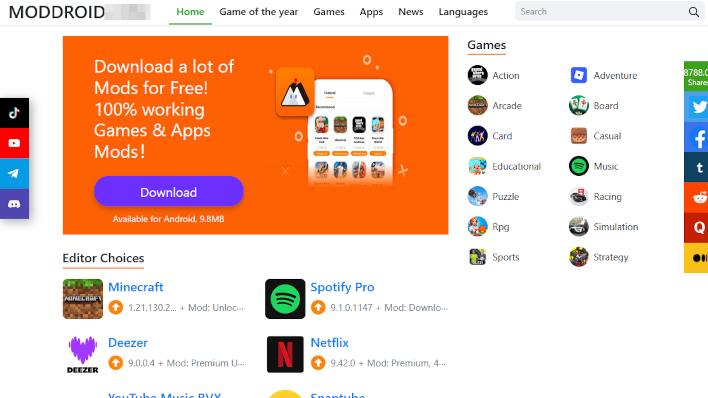
To avoid threats like this one, the original report from the Russian Doctor Web forums and the BleepingComputer follow up recommend staying away from shady app distribution sources and sticking to the official Google Play Store. Regardless of operating system, always remember that there are security risks involved when installing an application or extension—even when they come from official app stores. If you have no good reason to trust the source of the application, it's probably best not to install it.




