



iOS 14.4 Is Out For Apple iPhones, Here's Why You Should Update Immediately


One exploit is a kernel level vulnerability (CVE-2021-1782) that would allow a malicious app to gain elevated privileges on a device. Two additional vulnerabilities (CVE-2021-1871 and CVE-2021-1870) are related to Apple's WebKit browser engine, and allow remote attackers to remotely execute code on a victim's device. What's important to note about all three vulnerabilities is that Apple says that all three have been actively exploited out in the wild by hackers.
It's rare to hear about such serious security vulnerabilities in Apple products, so it is probably in your best interest to update right away to avoid falling into any traps set by potential hackers. Apple has provided no additional details at the time on the vulnerabilities, but says that more details with be forthcoming.
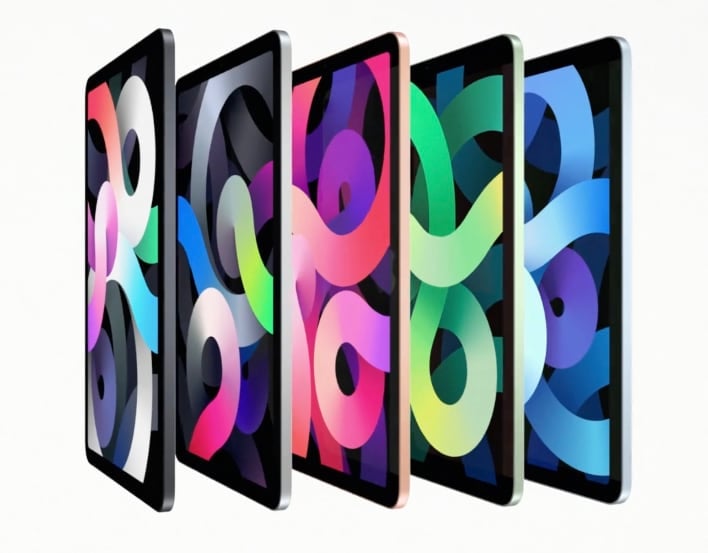
In addition to the security bulletin, iOS 14.4/iPadOS 14.4 brings a few other minor updates to the table. For starters, Apple has improved that built-in Camera app so that it can better recognize smaller QR codes. "Find My Items" has been added to the Find My app, and will allow third-party manufacturers to allow their tracking devices to become discoverable in the app. Find My has previously only been exclusive to Apple devices, but Belkin is among the first to enable this feature with its SoundForm Freedom True Wireless Earbuds.
The U1 chip inside the HomePod mini has been enabled to improve the Handoff functionality to and from iPhone. You can also classify each of your Bluetooth devices in Settings so that you can properly receive audio notifications. Finally, Apple has implemented a hardware check that will display a message when the camera module on the iPhone 12 family has been replaced with a non-genuine component.
- In addition to the feature updates, there are also the following bug fixes:
- Image artifacts could appear in HDR photos taken with iPhone 12 Pro
- Fitness widget may not display updated Activity data
- Typing may be delayed and word suggestions may not appear in the keyboard
- The keyboard may not come up in the correct language in Messages
- Audio stories from the News app in CarPlay may not resume after being paused for spoken directions or Siri
- Enabling Switch Control in Accessibility may prevent phone calls from being answered from the Lock Screen
You can update to iOS 14.4/iPadOS 14.4 by visiting Settings --> General --> Software Update.




