



If You Use Plex, Heed This Urgent Security Warning And Update ASAP


In an announcement that the company e-mailed to users and posted in its community forums, it shared that it “recently released Plex Media Server 1.43.3 and Plex Desktop 1.115.0 to address a number of security issues.” Additionally, it has requested CVE Records for the addressed vulnerabilities and will release this information to the community once it’s obtained.
If you’re a Plex user and you’d like to check what version you’re running, start by clicking on the “Settings” icon at the top right. If you’re using the desktop app the first thing you’ll be shown is the “General” panel, which will inform you of the version that's currently installed. If it’s not at least version 1.115.0 then you should update immediately.
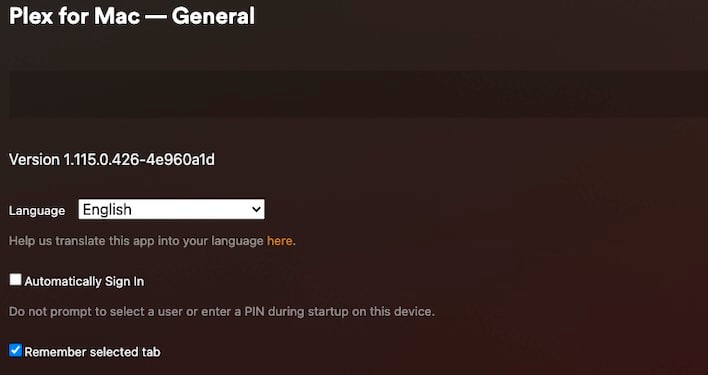
To check on the status of your media server scroll down and you’ll see your server’s name, beneath that will be the “Settings” section, click on “General” to see what version of the media server you’ve got installed. If it’s not at least version 1.43.3 then update immediately.
Depending on the platform that you’ve chosen to install your Plex media server on you might not automatically receive the latest updates. If you’re in this boat, then head on over to the company’s download page and get the latest version to perform a manual installation.
Kudos to the Plex development team for getting these fixes out to users as quickly as possible, even without officially getting the CVEs. Users should take the urgency the company took seriously and get those updates as soon as possible.





