



Microsoft’s Windows 10 October 2020 Update Is Ready For Release, Download It Now


The October 2020 Update will not bring any major feature updates to Windows 10 – that normally comes with “H1” updates, but it should be viewed primarily as a maintenance release to fix outstanding issues and improve overall stability. In order to get the October 2020 Update, you will need to be part of Microsoft’s Windows Insider Program, which is really easy to join by clicking this link. Then you’ll need to follow these steps:
- Navigate to Settings > Update & Security > Windows Insider Program
- Click the “Get started button”
- Link your Microsoft Account with the Windows Insider Program
- Next, select “Release Preview Channel” in order to gain access to the October 2020 Update
- Confirm the legal spiel that is presented, then click “Restart Now”
- Once you’ve restarted your computer, go back to Windows Update and click “Check for Update”
Your machine will then download the Windows 10 October 2020 Update, and you should be on your way. In my case, it only took about 8 minutes total for the entire October 2020 Update install process; and that included downloading it, performing a restart, and getting back to my desktop.
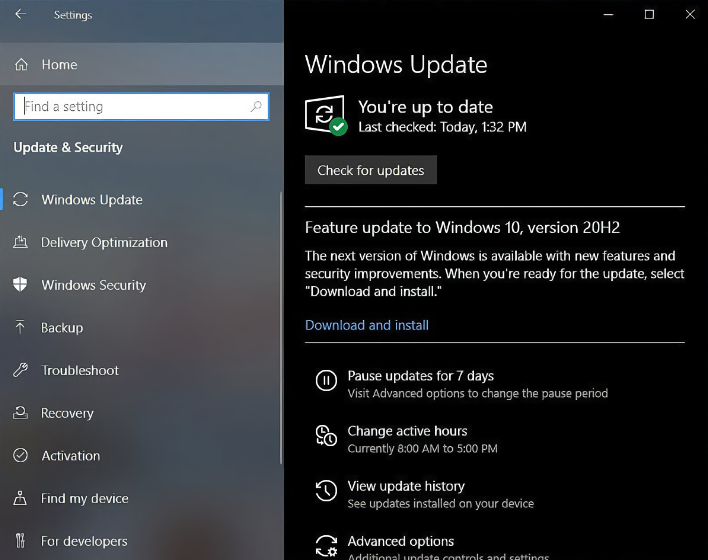
Even though Microsoft says that the October 2020 Update is ready for release, there is still one known issue that hasn’t yet been resolved:
Windows Insiders on Build 19042.508 in the Beta and Release Preview Channels who use Windows Subsystem for Linux (WSL) will be impacted by “Element not found” error when they try to start WSL. With the help of Insiders, we have identified the root cause of the issue and have created a fix which should be included in the next 20H2 servicing release shortly. Insiders who wish to be unblocked immediately can uninstall this build (KB4571756) which is a non-security update. You can view the GitHub issue where we are tracking this here.
If you’re brave enough to install the Windows 10 October 2020 Update despite Microsoft’s track record when it comes to updates, be sure to tell us your experiences in the comments section below.




