



Google Pixel 4 Face Unlock Eye Detection May Soon Be Enabled In Scheduled 'Pixel Feature Drop'


Needless to say, this security lapse would allow someone with access to your phone to unlock it if you were sleeping, unconscious, or even dead. Google responded that it would work diligently to improve its face unlock feature, and provided the following statement shortly after launch:
We’ve been working on an option for users to require their eyes to be open to unlock the phone, which will be delivered in a software update in the coming months. In the meantime, if any Pixel 4 users are concerned that someone may take their phone and try to unlock it while their eyes are closed, they can activate a security feature that requires a pin, pattern or password for the next unlock.
It appears that that "months long" waiting period is coming to an end. The folks over at Android Police have discovered a feature in the Settings app that references eye detection. The feature can only be found by searching for it within Settings, with it stating, "Require eyes to be open -- To unlock the phone, your eyes must be open".
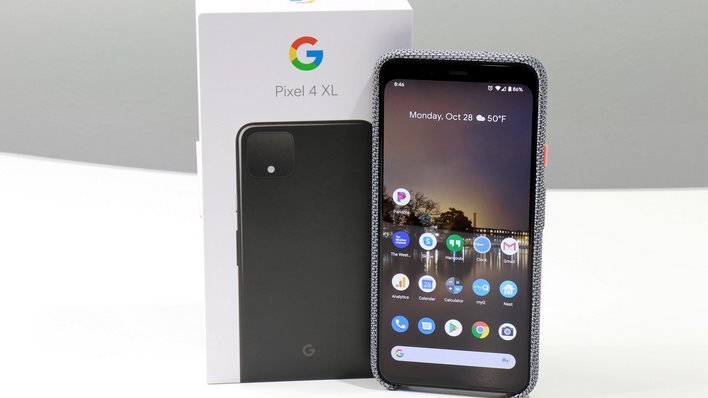
While the actual option can be found in Settings, it's not yet active. That would explain that the only way that you can even see it is by doing a search -- it's not readily accessible from the existing face unlock menu.
With that being said, we wouldn’t be surprised to see the feature land in either the scheduled April or May “Pixel Feature Drop” update. For example, the December Pixel Feature Drop updated face unlock to improve its performance over time to use more recent facial scan image data to unlock your smartphone, rather than just the data from the initial scan performed during setup.




