



You're Holding It Wrong: Samsung Galaxy Tab S5e Stricken With Critical Flaw

"You're holding it wrong" was a popular refrain when the Apple iPhone 4 was lambasted over complaints of poor cellular reception. Just holding the phone in your hand like a normal human being could result in your phone call being dropped or reduced internet speeds.

It appears that Samsung's new Galaxy Tab S5e has been afflicted with a similar problem, but it affects the tablet's onboard Wi-Fi. Galaxy Tab S5e owners have discovered that holding the tablet in your left hand in a landscape orientation can cause the Wi-Fi signal to drop low enough to cause an interruption in connectivity.
When held in this particular horizontal orientation, the selfie camera is situated on the left. This would be a common way to hold the Galaxy Tab S5e if you're playing games or watching a movie, for example. Although we don't have a teardown of the Galaxy Tab S5e to refer to, it's assumed that the Wi-Fi receiver/antenna must be located in this section of the tablet (top-right corner if the device is held upright in portrait orientation).
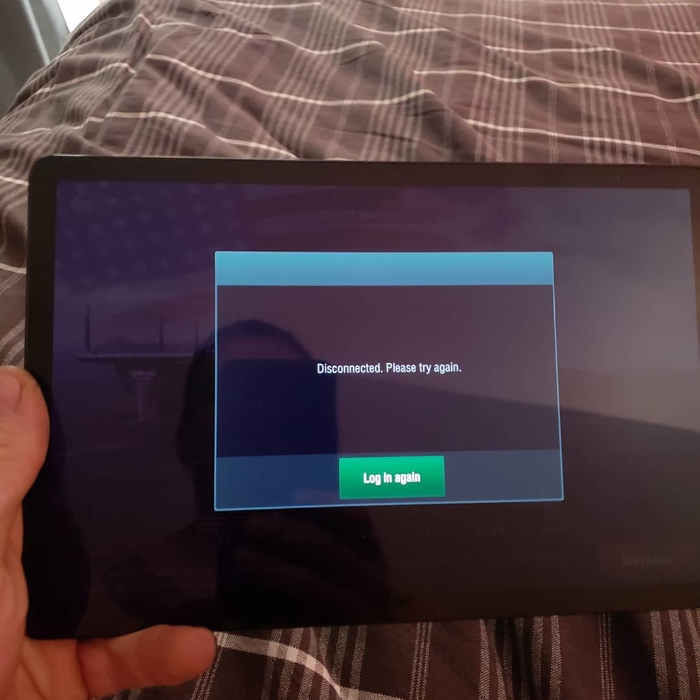
The folks over at SamMobile have confirmed the issue with their own in-house Galaxy S5e and witnessed a 50 percent drop in signal strength for Wi-Fi when gripping the table with "Hulk strength." Using a SpeedTest utility, the publication was initially able to record download and upload speeds of 43 Mbps and 22.7 Mbps over Wi-Fi. However, when holding the device in landscape mode with their hands covering the Wi-Fi components, the speeds dropped to 3.9 Mbps and 0.7 Mbps respectively.
This is a hardware issue that can't be possibly resolved with any kind of software or firmware update. With this in mind, Galaxy Tab S5e owners are just going to have to be hyper-aware of how they are holding their tablet if they want to ensure that they have a stable Wi-Fi connection at all times.




